Task Review
Why AI Meeting Tasks Need a Human Review Step
Keep useful automation while preserving team judgment.

Taskwise Team
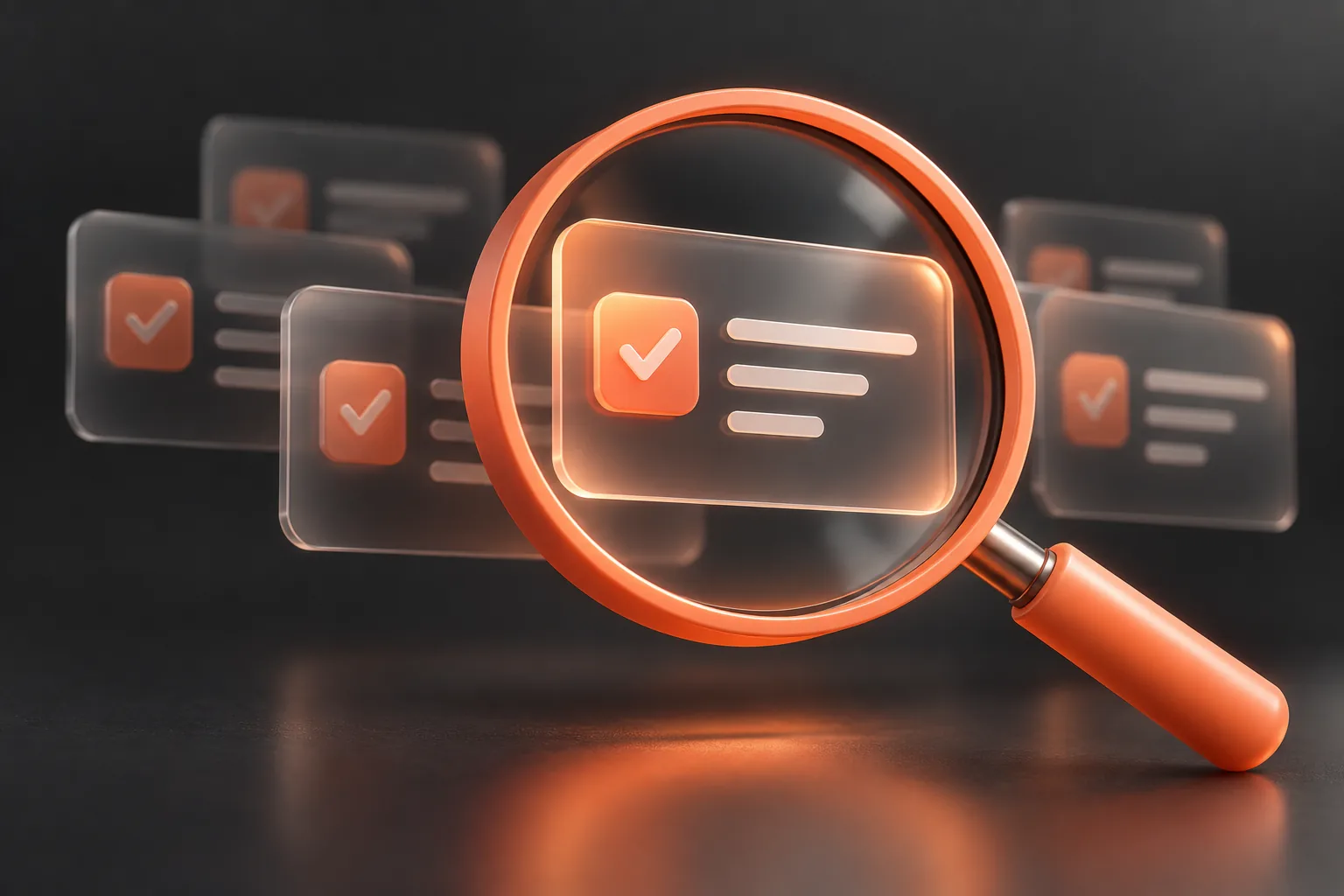
The modern workplace is flooded with meetings, and managing the aftermath of those discussions often feels like a full-time job. Project coordinators and managers spend countless hours sifting through meeting transcripts and disorganized notes trying to figure out who committed to what. Fortunately, artificial intelligence has stepped in to help. Modern AI tools can rapidly process transcripts and generate task lists, but this remarkable speed introduces a new vulnerability. If you simply allow an algorithm to assign work and deadlines automatically without oversight, you risk derailing your team's focus and frustrating your colleagues.
To effectively review AI meeting tasks is not just a clerical chore; it is an essential project management practice. Human oversight ensures that what an algorithm interprets as a solid assignment is actually a strategic priority for your team. This guide explores why human review is a non-negotiable step in the meeting-to-execution pipeline. We will dive into the distinction between AI-generated suggestions and actual commitments, how to eliminate noise, and how to maintain tight control over your project scope.
How to Distinguish AI Suggestions from Confirmed Commitments
The core philosophy of integrating artificial intelligence into project management is recognizing that AI suggests, but humans commit. During a typical brainstorming session, team members might throw out dozens of ideas. A developer might say, "We could potentially rebuild the entire database structure," or a marketing manager might suggest, "We should think about running a Super Bowl ad next year." An AI transcript analyzer, lacking the nuanced understanding of budget constraints or resource availability, might log these passing thoughts as concrete tasks. If these tasks are automatically pushed to your team's active execution board without a review step, chaos ensues.
When you review AI meeting tasks, your primary objective is to act as the ultimate filter. You are validating whether a recognized action item was merely a brainstormed suggestion or a genuine, confirmed commitment. A suggestion is theoretical; a commitment involves a clear owner, a defined scope, and a realistic timeframe. In a robust meeting-to-execution platform, tasks derived from meeting transcripts should always land in a draft status first. This gives the project manager or team lead the opportunity to discard the wild ideas and formally approve the items that have genuine buy-in from the stakeholders.
Prerequisites for an Effective AI Task Review Workflow
Before you can efficiently process and review AI-generated tasks, you need to establish a solid foundation within your team and your software environment. Implementing a proper review workflow requires a few key prerequisites to ensure that managers aren't wasting time fixing easily preventable errors:
- A Reliable Source of Truth: You need access to high-quality meeting notes, raw transcripts, or utilization of tools like Fathom to capture the full scope of the discussion.
- Clearly Defined Roles and Responsibilities: The reviewer must know who handles backend development versus frontend design, or who manages client communications versus internal strategy.
- A Dedicated Review Workspace: If your current software automatically converts every recognized task into a live ticket that triggers email notifications to the entire company, your workflow is fundamentally broken. You need an environment where task drafts can be curated before they enter the formal project lifecycle.
Step-by-Step Implementation: How to Review AI Meeting Tasks
Establishing a predictable, repeatable process is the key to mastering AI-assisted project management. Below is a comprehensive step-by-step guide to implementing a human review step in your meeting-to-execution workflow.
Step 1: Import Transcripts and Meeting Context
The process begins the moment your meeting concludes. Import your raw meeting notes, transcripts, or Fathom meeting summaries into your execution platform. Ensuring that the complete context is imported allows the AI to generate more accurate suggestions and gives the human reviewer the original text to reference later.
Step 2: Generate Suggested Task Drafts
Trigger the AI to analyze the imported context. The platform will parse the conversation and generate a list of suggested task drafts. At this stage, these drafts must remain isolated from your active planning workspace. They are strictly pending review and should not trigger any team notifications or Slack alerts.
Step 3: Verify the Original Meeting Context
When reviewing the generated list, you will occasionally find a task that seems strange or out of place. The reviewer must be able to verify the original meeting context. If the AI suggests, "Audit the legacy code by Friday," the manager should be able to click back to the specific part of the transcript or use a grounded AI chat feature to ask, "Why was this legacy code audit mentioned?" Verifying context prevents misunderstandings and misaligned priorities.
Step 4: Detect and Eliminate Duplicate and Noisy Drafts
During a one-hour meeting, a single initiative might be discussed in three different ways at three different times. The AI might generate three separate tasks for the exact same deliverable. Your job during the review phase is to detect duplicate or noisy task drafts. Merge overlapping items into a single, comprehensive task, and delete the redundant noise that clutters the workspace.
Step 5: Correct Scope, Owners, and Due Dates
AI is notoriously literal and sometimes struggles with unspoken team dynamics. An algorithm might assign a highly technical architectural task to a junior project manager just because they were the one who summarized the point verbally. The human reviewer must step in to correct the scope, assign the proper owners based on actual team capacity, and set realistic due dates that align with the broader project roadmap.
Step 6: Push to the Planning Workspace
Once the tasks have been scrubbed of duplicates, assigned accurately, and verified against the context, they are ready to be formalized. Move the approved tasks from the review queue into your active prioritization and planning workspace. Now, and only now, should they become part of the official board lifecycle and trigger Slack reminders for the assigned team members.
Acknowledging the Limits of AI Judgment
While AI drastically reduces the administrative burden of parsing meeting notes, it is critical to acknowledge its judgment limits. Automation offers incredible speed and comprehensive extraction; an AI will rarely forget a minor detail buried at the end of a long meeting. However, it completely lacks human intuition and context awareness.
One major tradeoff of relying on AI for task extraction is its inability to read the room. It does not understand sarcasm, rhetorical questions, or team fatigue. If a manager jokes, "I guess I'll just work all weekend to finish the slide deck," an AI might dutifully draft a task: "Work all weekend on slide deck. Owner: Manager." The human review step is the only mechanism that catches these nuances. By accepting that AI provides volume and human beings provide validation, teams can find the perfect balance between technological leverage and strategic foresight.
Common Edge Cases When Reviewing AI-Generated Tasks
Even the most advanced natural language processing models encounter edge cases that require a manager's critical eye. Understanding these edge cases will help you review AI meeting tasks much faster, as you will know exactly what anomalies to look for.
- Inventing Promises (Hallucinations): Occasionally, an AI will attempt to be overly helpful by inferring next steps that were never actually discussed. To avoid inventing promises, reviewers must strictly cross-reference ambitious task suggestions with the original transcript. If a feature release was discussed but a hard deadline was never agreed upon, the AI must not be allowed to arbitrarily assign a due date.
- Overlapping Initiatives: Meetings often touch on high-level strategic goals alongside tactical micro-tasks. The AI might create a task for "Redesign the website" alongside a task for "Change the font on the homepage." Reviewers must organize these into appropriate parent-child relationships within the planning workspace rather than treating them as equal standalone tasks.
- Ambiguous Directives: Sometimes people speak in vague terms, saying things like, "We need to look into that." The AI might generate a task called "Look into that." A human reviewer must either discard this as unactionable noise or rewrite the task with a concrete objective and clear acceptance criteria.
AI Task Verification Checklist
To ensure a rigorous and consistent process, project coordinators should rely on a standardized checklist when acting as the gatekeeper between raw transcripts and the active team board. Use this checklist every time you review AI meeting tasks:
- Are there any duplicate tasks that need to be merged?
- Does every task represent a confirmed commitment rather than a brainstorming suggestion?
- Have you verified the original meeting context for any confusing or ambitious tasks?
- Is the assigned owner correct based on team roles and current workload capacity?
- Are the due dates realistic and aligned with overall project timelines?
- Has the AI invented any promises or hallucinated deadlines that were not explicitly agreed upon?
- Are the task descriptions clear, actionable, and free of vague language?
- Have all non-actionable, noisy drafts been permanently deleted?
Frequently Asked Questions
Why shouldn't I just let AI assign tasks automatically to save time?
Skipping the human review step often creates more work in the long run. If an AI automatically assigns unverified tasks, team members receive notifications for duplicate work, hallucinated deadlines, and theoretical suggestions. This causes confusion, erodes trust in the project management system, and forces managers to spend time undoing automated mistakes instead of driving execution.
How long should the human review step take?
For a standard one-hour meeting, a proficient project coordinator using a purpose-built platform should be able to review, correct, and approve the generated task drafts in roughly five to ten minutes. The goal is to edit an existing baseline of tasks rather than typing them out from scratch, which represents a massive time saving compared to manual data entry.
What happens if the AI misses a task entirely?
While modern AI is excellent at extraction, nothing is perfect. If you notice a missing task during your review, you should manually add it to the draft queue before pushing the final batch to the active board. This is another reason why having a grounded AI chat feature is useful—you can quickly prompt the platform by asking, "Did anyone mention the budget approval?" to ensure nothing slipped through the cracks.
Can we train the AI to better understand our team's roles over time?
While base models are continually improving, the most effective way to manage team roles is through strict human oversight during the review phase. By utilizing workspace-scoped MCP access and a dedicated planning workspace, managers maintain ultimate authority over team deployment, ensuring that execution always aligns with human judgment.
Next Steps: Integrate Human Review with Taskwise
Adopting artificial intelligence for meeting transcripts is only half the battle. To truly transform your operations, you must pair that automation with a dedicated human review step. Start by establishing a strict policy that no AI-generated task can enter your active board lifecycle without being vetted for duplicates, accurate context, and realistic commitments.
Taskwise is a meeting-to-execution platform purposefully built around this philosophy. We empower teams by importing notes, transcripts, and Fathom meetings to produce suggested task drafts that are explicitly designed to be reviewed by people. With our built-in prioritization and planning workspace, grounded AI chat over your specific meeting context, integrated Slack reminders, and workspace-scoped MCP access, Taskwise ensures that your team focuses on confirmed priorities, not algorithmic noise. Stop letting automation dictate your workflow, and start using Taskwise to keep useful automation while preserving team judgment.

About Taskwise Team
The team building TaskwiseAI: meeting memory, reviewed tasks and clearer follow-through.